
Unblur image.
Back in focus.

Upload a blurry photo and get a sharp one in about 20 seconds. It fixes camera shake and missed focus, and keeps the colors you shot.

Drop a blurry photo here

JPG, PNG or WebP, up to 20 MB. Pasting works too.

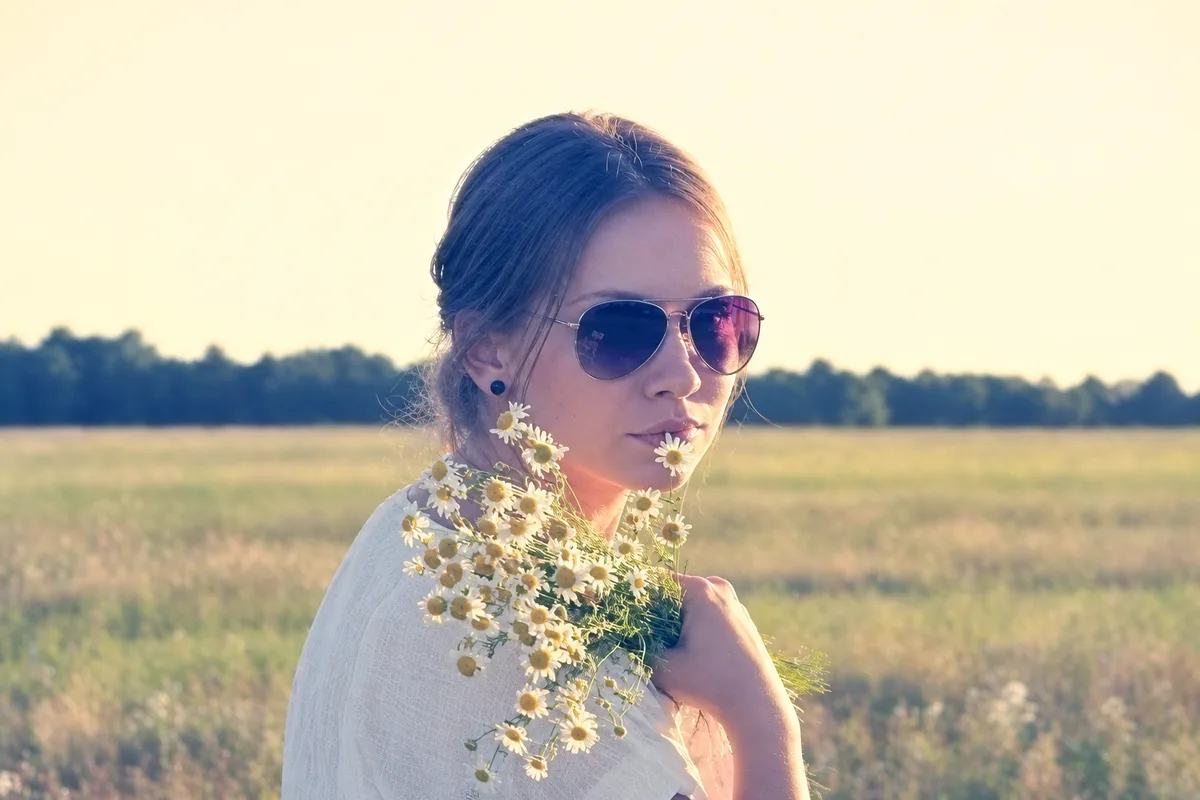
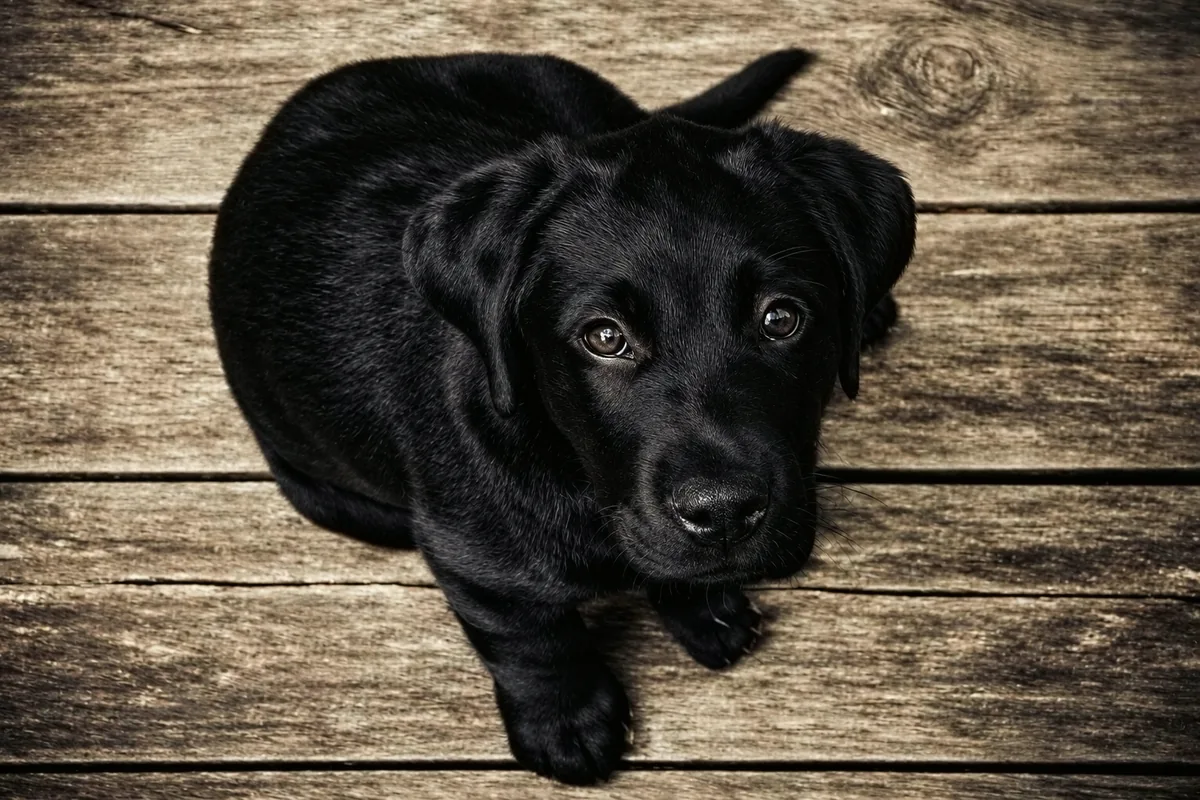
Portrait with camera shake (After)Portrait with camera shake (Before)
BeforeAfter

The samples were sharp photos, blurred on purpose, then run through this tool.

Two ways to get a photo sharp

Deblurring is a trade between how sharp the result looks and how closely it sticks to what the camera recorded. So there are two modes, and each one says what it does.

Repaint
Fidelity
What it does
An image model redraws the whole photo sharp. Your original colors are then put back.
A deblur model reverses the blur in the pixels you already have. Nothing is redrawn.
Best for
Heavy shake, badly missed focus, photos meant for sharing.
Mild blur, documents, faces that must stay exactly as they are.
What to watch
Small text and distant faces can come out slightly different.
Very strong blur stays partly soft.
Output
1K free; 2K and 4K with credits
Your photo's size, up to 4096 px
Price
Free at 1K. 2K: 2 credits, 4K: 3
4 credits a photo

What happens to your photo

Nothing is hidden behind a progress bar. These are the three things that run.

  1. 0 s

    You upload

    The photo is scaled to the size the model works at and sent over an encrypted connection.

  2. ≈ 20 s

    The model refocuses

    It redraws the image sharp with the same framing and proportions.

  3. ≈ 21 s

    Your colors go back

    Your browser compares the result with your original and restores its color and brightness. Then you drag the handle across the photo and decide for yourself.

What it fixes, and what it can't

Works well on

  • Camera shake and subjects that moved
  • Focus that landed on the background
  • Soft photos from low light or a smudged lens
  • Small, old photos from early phones

Don't expect

  • Readable text from text that is fully smeared. The model would be guessing.
  • A face restored exactly when almost no detail is left.
  • Removal of deliberate blurring, mosaics or censoring. It can't recover what was hidden.
  • More than about 1.5 megapixels for free. 2K and 4K use credits.

Why photos come out blurry

Camera shake, 15 pixel streak. Before on the left, after on the right.

Motion blur

The shutter stayed open while the camera or the subject moved, so every point of light was dragged into a short streak. It happens most indoors and at night, when phones lengthen the exposure. Streaks have a direction, which is why ordinary sharpening only makes them harsher.
Missed focus, 5 pixel disc. Before on the left, after on the right.

Missed focus

The lens focused in front of or behind the subject, so each point spread into a small disc. Detail isn't dragged, it is averaged away, and edges go soft in every direction. Close portraits are where autofocus slips most often.

Questions people ask

Got a blurry one? Bring it back.

Unblur a photo